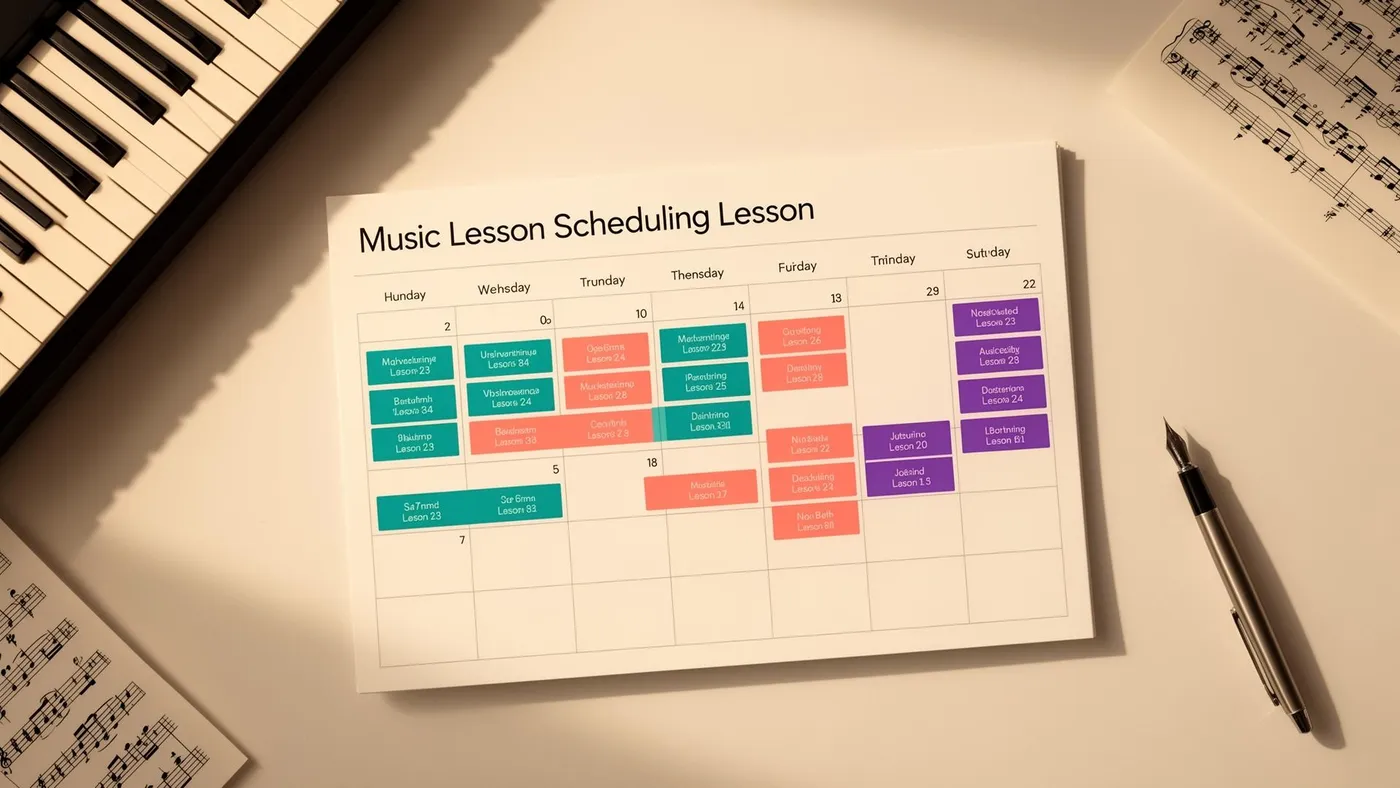
Scheduling is the beating heart of every music school. Get it right and the whole operation runs smoothly — teachers know where they need to be, students turn up prepared, parents aren't confused, and rooms aren't double-booked. Get it wrong and everything unravels: missed lessons, clashing timetables, frustrated families, and an owner who spends Sunday evening untangling the week ahead.
The challenge is that music school scheduling is genuinely harder than it looks. Unlike a regular school where 30 students sit in one room at the same time, a music school runs dozens of overlapping individual and group sessions across different teachers, rooms, instruments and time slots. Every student has their own preferred time. Every teacher has their own availability. Every room has its own capacity and instrument setup. And it all has to mesh.
This guide covers everything: how to design a timetable from scratch, how to manage the recurring headaches (cancellations, make-ups, conflicts), how to handle different lesson formats, and when to stop doing it by hand and let software take over.
The three scheduling models
Before building a timetable, decide which scheduling model fits your school. Most UK music schools operate on one of three approaches, and the choice affects everything downstream.
Fixed weekly scheduling
The student has the same lesson time every week — Tuesday at 4pm, every Tuesday, all term. The teacher teaches the same timetable each week. Rooms are allocated on a recurring basis.
This is the standard model for the vast majority of UK music schools, and for good reason. It's predictable for everyone: parents build their week around a fixed lesson time, teachers know exactly what they're doing, and the timetable only needs adjusting at the start of each term when students join, leave or change slots.
Fixed weekly scheduling works best when your students are school-age children with regular weekly availability, when your teachers work consistent hours, and when you operate on a termly billing cycle. If this describes your school — and it describes most UK music schools — this is the model to use.
Rotating scheduling
Lessons happen at a regular interval but rotate through different time slots, so students don't always miss the same school lesson. This model is mainly used by peripatetic teachers in state schools, where pulling a student out of maths every Tuesday creates problems. By rotating lesson times across the week, each academic subject is disrupted equally.
Rotating schedules are significantly more complex to manage and confusing for parents. They make sense in school settings where timetable impact must be distributed, but they're rarely appropriate for private music schools where families choose to attend.
Flexi-booking
Students book individual lessons on a session-by-session basis from available slots. There's no fixed weekly commitment — they pick a time when it suits them.
Flexi-booking works for adult learners who have unpredictable schedules, for schools running ad-hoc workshops or masterclasses, and as a supplement to a fixed timetable (e.g., offering flexi-booking for make-up lessons). It doesn't work well as the primary model for a children's music school because it kills retention, creates unpredictable teacher schedules, and makes termly billing impractical.
Some schools offer a hybrid: fixed weekly lessons for their core programme, with a parent self-booking system for make-ups and additional sessions.
Building a timetable from scratch
Whether you're launching a new school or restructuring an existing timetable at the start of a new academic year, here's the process that works.
Step 1: Define your constraints
Before placing a single lesson, map out what you can't change:
Teacher availability. For each teacher, list the days and hours they're available to teach. Be specific — "Monday 2pm–7pm" not "Mondays". Include their travel time between locations if they work across multiple venues.
Room availability and capacity. List every teaching space, what instruments it's set up for (a drum room is different from a piano room), and when it's available. If you share a venue with other users, note the blocked-out times.
Term dates. Fix your start date, end date, and any mid-term breaks. Align with local school holidays — parents expect this and your student attendance will collapse during half-terms and holidays regardless of what your schedule says.
Non-negotiable student slots. Some students will have hard constraints: "can only do Wednesday after school" or "needs to be before 5pm because of swimming at 5:30." Capture these upfront rather than discovering them after you've built the timetable.
Step 2: Block out the framework
Start with your teachers and rooms, not your students.
Create a weekly grid showing every available teaching slot across all teachers and rooms. A 30-minute lesson in a room from 3pm to 7pm on a weekday gives you 8 slots per room per day. A school with 2 rooms and 3 teachers running 4 days per week has approximately 64 potential weekly slots — before accounting for overlaps, buffer time and breaks.
Build in 5-minute buffer gaps between lessons. This prevents cascade delays (one lesson running 3 minutes over pushes every subsequent lesson late), gives teachers time to write notes, and gives students time to transition.
Block out teacher break times. A teacher who teaches continuously from 3pm to 7pm without a break will burn out and the quality of their later lessons will suffer. A 15-minute break every 90 minutes is a reasonable minimum.
Step 3: Place students by priority
Now fill the grid with student lessons. Do this in priority order:
Existing continuing students first. They keep their current time slot unless there's a compelling reason to move them. Stability matters for retention.
Students with hard constraints second. If a student can only attend on one specific day and time, place them before you fill surrounding slots.
New students and flexible students last. They get the remaining slots. Offer them a choice of 2–3 available times rather than asking when they'd like to come — this is faster and avoids the back-and-forth of "sorry, that one's taken."
Step 4: Validate for conflicts
Before publishing the timetable, check for:
- Room conflicts — two lessons in the same room at the same time
- Teacher conflicts — one teacher scheduled for two students simultaneously
- Instrument conflicts — a drum lesson booked in the piano room (if your rooms are instrument-specific)
- Travel time conflicts — for teachers working across multiple locations, ensure there's enough time between the last lesson at venue A and the first lesson at venue B
This is where scheduling software with conflict detection saves enormous time. A visual calendar that flags clashes automatically is infinitely more reliable than scanning a spreadsheet row by row. See our guide to avoiding double-bookings for specific techniques.
Step 5: Publish and communicate
Share the finalised timetable with teachers and parents before the term starts — ideally at least two weeks ahead. Each family should receive clear confirmation of their child's lesson day, time, teacher and room.
The best approach is a parent portal where families can log in and see their schedule at any time, rather than relying on an email that gets buried in their inbox.
Managing recurring lessons and term structure
The UK music school calendar follows the academic year: three terms (autumn, spring, summer), each typically 10–13 weeks, with half-term breaks in the middle.
Holiday and closure handling
Your scheduling system needs to handle:
Half-term weeks where no lessons run but the term continues either side. Lessons should be automatically skipped for these weeks without requiring manual intervention.
Bank holidays that fall on teaching days. Easter Monday, May bank holidays, and the occasional mid-week holiday all need handling.
School-specific closure dates — your own holiday concerts, teacher training days, or ad-hoc closures.
If you're managing this in a paper diary or spreadsheet, you'll need to manually adjust every student's schedule for every closure. In LessonLoop, you set closure dates once and recurring lessons automatically skip those weeks.
Mid-term changes
Students join mid-term, change their lesson time, switch teachers, or add a second instrument. Each change needs to ripple through the schedule correctly:
- The new slot needs to be checked for conflicts
- The old slot needs to be freed up (and potentially offered to a waiting-list student)
- Billing needs to be adjusted pro-rata
- The teacher needs to be informed
- The parent needs confirmation
In a well-configured system, this takes seconds. Manually, it takes 15–20 minutes per change and is prone to errors — particularly the billing adjustment, which often gets forgotten.
The cancellation and make-up problem
Cancellations are the scheduling headache that never goes away. A student is ill, the family is on holiday, there's a school trip — whatever the reason, lessons get cancelled and the question becomes: what happens next?
This is important enough that we've written a full guide to music lesson cancellation policies. Here's the summary:
Have a written policy and enforce it consistently. The policy should cover: minimum notice period for cancellations (24–48 hours is standard), what happens to the lesson fee (retained for no-shows, credited or make-up offered for timely cancellations), and how make-up lessons work.
Make-up lessons are the fairest approach — but the hardest to schedule. Offering a make-up lesson in a different slot keeps the student progressing and the parent happy. But finding a slot that works for the student, a teacher who's available, and a room that's free is a scheduling puzzle within a scheduling puzzle.
The most efficient approach is to designate specific make-up slots each week — perhaps Saturday mornings or a weekday evening — and offer cancelling families first-come-first-served access to these slots. Automated make-up matching can detect available slots and notify families instantly when a cancellation creates an opening.
Teacher cancellations need different handling. When a teacher cancels (illness, emergency), every affected student needs to be notified and rescheduled. This can mean 5–8 families disrupted in a single day. Having a substitute teacher arrangement, or the ability to offer a make-up slot within the same term, is essential for maintaining trust.
Group lessons: a different scheduling challenge
Group lessons — theory classes, ensemble rehearsals, beginner workshops, band sessions — follow different scheduling logic than individual lessons. We cover this in depth in our guide to group vs private music lesson scheduling, but the key differences are:
Fixed time, variable attendance. A group class runs at its scheduled time regardless of individual absences. There's no make-up for a missed group session.
Minimum and maximum participant counts. A group lesson that drops below its minimum (typically 3 students) becomes economically unviable. One that exceeds its maximum (typically 8–10, depending on the activity) becomes pedagogically compromised. Monitor enrolment and attendance to keep groups in the viable range.
Room requirements change. A group of 6 students with instruments needs a larger room than a one-to-one lesson. Ensure your room allocation accounts for group sizes.
Scheduling around individual lessons. If a student has both a weekly individual lesson and a weekly theory class, ideally schedule them on the same day to minimise the number of trips to your school. Parents strongly prefer this, and it improves attendance for both.
When to stop doing it by hand
There's a specific moment when manual scheduling breaks down. It's not a student number — it's a complexity threshold.
A solo teacher with 20 students in one room can manage their schedule in a diary. It's simple enough to hold in your head, changes are infrequent, and conflicts are nearly impossible because there's only one teacher and one room.
Add a second teacher and the complexity roughly quadruples (not doubles) — because now you have to check for conflicts across two teachers, potentially shared rooms, and the interactions between their timetables. Add a second room and it increases again. Add group lessons and the interactions multiply further.
The practical threshold is around 30–40 students or 2+ teachers. Beyond this point, the time spent maintaining the schedule manually, the risk of conflicts, and the difficulty of handling changes efficiently all argue strongly for purpose-built scheduling software.
The features that matter most:
- Visual calendar with drag-and-drop lesson placement
- Conflict detection that prevents double-bookings before they happen
- Recurring lesson support with automatic holiday/closure skipping
- Room and location management for multi-venue schools
- Teacher availability tracking so you can see open slots at a glance
- Make-up lesson management that matches cancellations to available slots
- Parent-facing schedule so families always know what's happening
For solo teachers comparing lightweight options, see our best software for solo music teachers. For multi-teacher academies, see our guide to academy software.
Scheduling as a competitive advantage
Here's something most music school owners don't realise: your scheduling system is part of your product. Parents experience it directly — the ease of booking a trial, the clarity of seeing their child's timetable, the speed of rescheduling a cancellation, the professionalism of automated reminders.
A school with excellent scheduling (clear, automated, parent-friendly) feels premium. A school where the owner takes two days to confirm a lesson time via WhatsApp feels amateur. The quality of the experience has nothing to do with the quality of the teaching — but parents don't separate the two.
Invest in getting scheduling right and the returns compound: better retention, more referrals, less admin, and a reputation as a well-run school. That's a competitive advantage that no amount of marketing can replicate.
Frequently Asked Questions
How far in advance should I publish my music school timetable?
Publish the timetable at least two weeks before the term starts. This gives parents time to flag conflicts, arrange their own schedules, and feel prepared. Many schools share a draft timetable 3–4 weeks ahead and a confirmed final version 2 weeks ahead. Send re-enrolment information and invoices at the same time — combining the schedule and billing communication reduces the number of messages parents receive.
What's the best lesson length for music students?
For beginners (especially children under 8), 20-minute lessons maintain attention and feel manageable. For intermediate students (Grades 1–5), 30 minutes is the standard and works well. For advanced students (Grade 6+), 45–60 minutes allows enough time for technical work, repertoire and musicianship. Group theory classes typically run 45–60 minutes. Most UK music schools offer 30 minutes as their default with longer options available.
How should I handle students who frequently cancel?
First, check whether your cancellation policy is clear and being communicated at enrolment. If a student cancels more than 25% of lessons in a term despite understanding the policy, it's worth a direct conversation with the parent to understand what's happening. Often the issue is schedule convenience (the slot doesn't actually work for the family), declining motivation (the student isn't enjoying lessons), or financial pressure (they're trying to reduce costs informally). Address the root cause rather than just enforcing the policy.
Should I offer online lessons as a scheduling option?
Online lessons can be a useful scheduling tool — they eliminate travel time, allow lessons to continue when a student is mildly unwell (well enough to play, not well enough to leave the house), and open time slots that wouldn't work in-person (early morning, late evening). Many UK music schools offer online as an option rather than the default, allowing families to switch a specific lesson to online when needed. This flexibility improves attendance rates without compromising the in-person experience for the majority of lessons.
How do I manage scheduling across multiple venues?
Multi-location scheduling adds complexity around teacher travel time, room allocation per venue, and visibility across sites. The key is to plan teacher schedules by location blocks — all of Teacher A's Monday lessons at Venue 1, all their Tuesday lessons at Venue 2 — rather than having teachers bounce between locations on the same day. Our full guide to multi-location music school scheduling covers this in detail.
Tags