A double-booking is the scheduling equivalent of a car crash in slow motion. Two students arrive for the same slot. One teacher. One room. Both families were told the lesson was confirmed. Someone has to be sent home.
It's embarrassing, it's unprofessional, and it damages trust instantly. The parent whose child gets turned away doesn't think "honest mistake." They think "this school doesn't have its act together." And they tell other parents.
The good news is that double-bookings are entirely preventable. Here are five methods, from simplest to most robust.
Method 1: Use a single source of truth
The most common cause of double-bookings isn't carelessness — it's having the schedule in more than one place. The diary says one thing, the spreadsheet says another, and the WhatsApp message to the parent said something else entirely.
Pick one system and make it authoritative. Every change goes there first. Every teacher checks there. Every parent confirmation comes from there. If your schedule lives in a Google Sheet, fine — but that sheet is the only version. The paper diary is gone. The mental note is gone. One source, one truth.
This alone eliminates the majority of conflicts in small schools. The problem is that a spreadsheet or diary doesn't actively prevent conflicts — it relies on you noticing them by scanning rows and columns. Which brings us to method two.
Method 2: Colour-code by teacher and room
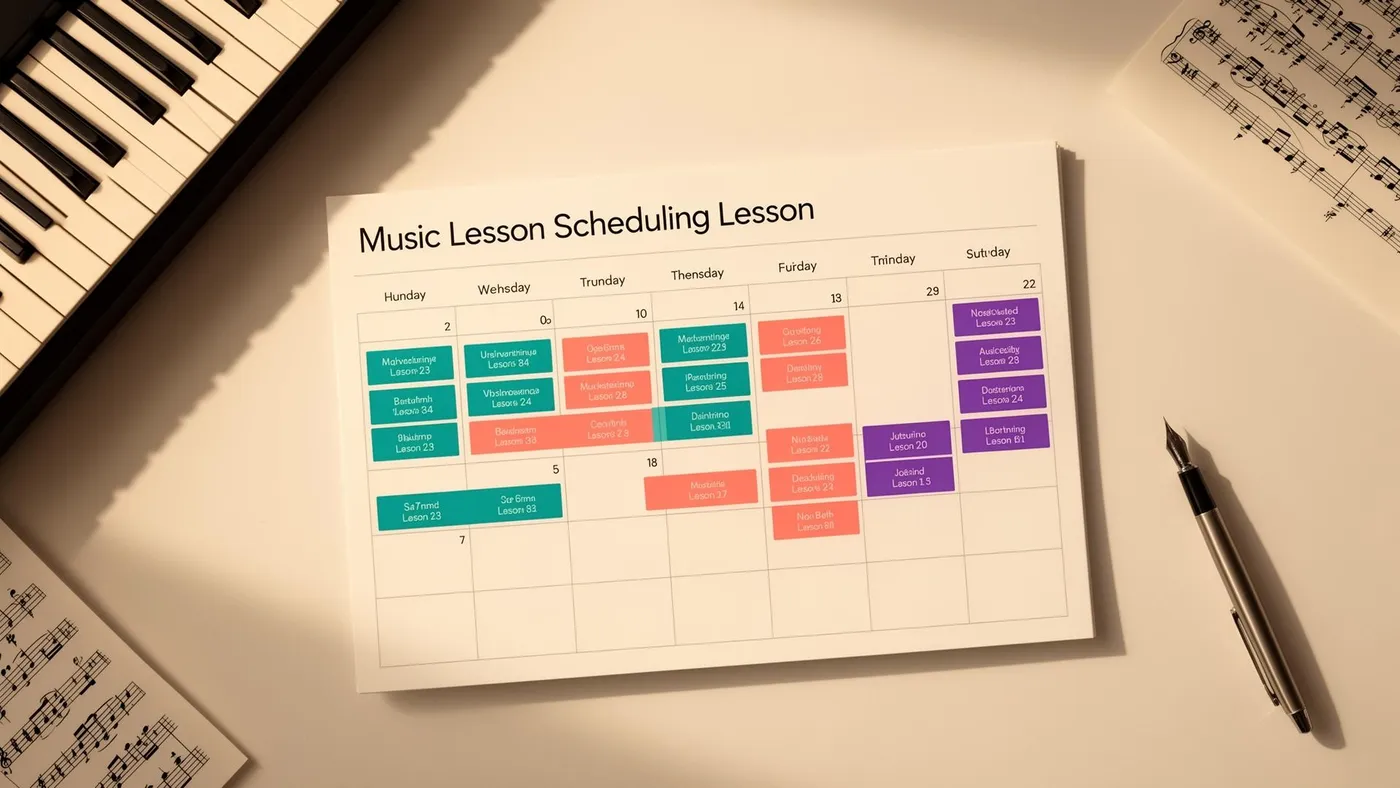
If you're using a visual calendar (Google Calendar, Outlook, or a wall planner), assign a colour to each teacher and a second coding system to each room. When you're placing a lesson, a visual scan immediately shows whether the slot is occupied.
A lesson with Teacher A (blue) in Room 1 at 4pm is visible at a glance. If you try to place another blue lesson at 4pm, the collision is obvious. If you try to place a lesson in Room 1 that's already occupied — regardless of teacher colour — you can catch it before confirming.
This is a low-cost improvement over plain text schedules. It's effective for schools with 2–3 teachers and 1–2 rooms. It breaks down beyond that because the visual density becomes overwhelming and mistakes creep back in.
Method 3: Build validation checks into your process
If you're using a spreadsheet, add validation logic. This takes some setup but catches conflicts automatically.
Create a lookup that counts the number of lessons per teacher per time slot. If the count exceeds 1, flag it (conditional formatting works well — turn the cell red). Do the same for room bookings. This gives you a passive safety net: you can still make mistakes when entering data, but the spreadsheet highlights them before they become real-world problems.
The limitation is that spreadsheet validation is only as good as your formula coverage and data entry discipline. If someone types a time slightly differently ("4pm" vs "16:00" vs "4:00 PM"), the validation misses it. And it requires someone to actually look at the flags, which is easy to skip when you're in a hurry.
Method 4: Use shared calendars with conflict alerts
Google Calendar and Microsoft Outlook both support shared calendars and can alert you to scheduling conflicts. Create a calendar per teacher and a calendar per room. When you add a lesson, add it to both the teacher's calendar and the room's calendar. If there's a conflict, the platform will warn you.
This works better than a spreadsheet because the conflict detection is real-time — you see the warning at the moment you create the event, not later when you happen to check. It also scales reasonably well to 3–5 teachers.
The downsides: it's manual to maintain (every lesson exists as multiple calendar events), it doesn't handle recurring lessons with exceptions cleanly (holiday skipping, mid-term changes), and it wasn't designed for music school scheduling — you're fighting the tool rather than working with it.
Method 5: Use scheduling software with built-in conflict prevention
Purpose-built music school scheduling software doesn't just detect conflicts — it prevents them. You literally cannot place a lesson in a slot that's already occupied by the same teacher, the same room, or the same student. The software won't let you.
This is the nuclear option, and it's the only method that truly eliminates double-bookings rather than just making them less likely. The software maintains a single, unified timetable across all teachers, rooms and locations. Every lesson — recurring and one-off — is checked against every constraint in real-time. There's no manual validation to forget, no colour-codes to misread, and no calendar events to keep in sync.
Modern scheduling platforms also handle the complexity that other methods can't:
Recurring lessons with exceptions. A student has a lesson every Tuesday at 4pm, except during half-term and the bank holiday Monday that shifts everything. The software skips those weeks automatically without you touching the schedule.
Make-up lesson scheduling. When a lesson is cancelled, the system identifies available slots (matching the student's teacher and an available room) and can notify the family automatically. No manual searching through calendars.
Multi-location awareness. For schools operating across multiple venues, the system knows that Teacher A can't be at Venue 1 at 4pm and Venue 2 at 4:15pm. Travel time between locations is factored in.
Parent-visible scheduling. When the timetable is shared through a parent portal, families see their confirmed schedule directly from the source of truth. No separate communication to go out of sync.
Choosing the right method for your school
The right approach depends on your school's size and complexity:
Solo teacher, single room, under 20 students: Methods 1–2 are sufficient. Keep a single calendar, colour-code it, and you'll rarely have issues.
2–3 teachers, 1–2 rooms, 20–50 students: Methods 3–4 add useful safety nets. Shared calendars with conflict alerts give you real-time protection without significant cost.
3+ teachers, multiple rooms or locations, 50+ students: Method 5 is the only reliable approach. The interaction complexity between teachers, rooms, locations and recurring schedules makes manual methods too error-prone. The cost of scheduling software (typically £12–£50/month) is a fraction of the cost of the trust you lose from a single double-booking.
Whatever method you use, the underlying principle is the same: a double-booking is always a systems failure, never a people failure. If your system allows two lessons in the same slot, it will eventually happen — no matter how careful you are. Build a system that prevents it rather than one that relies on you catching it.
Frequently Asked Questions
What should I do when a double-booking actually happens?
First, apologise genuinely to the affected family. Second, offer an immediate resolution — either a make-up lesson at their earliest convenience or a credit on their next invoice. Third, investigate how it happened and fix the process so it can't recur. Don't blame a teacher or staff member in front of the parent. The family doesn't care whose fault it was; they care that it won't happen again.
Can Google Calendar really work for music school scheduling?
For very small schools (one teacher, one room, under 20 students), Google Calendar is functional. Beyond that, the lack of conflict prevention (it warns but doesn't block), the manual overhead of maintaining teacher and room calendars, and the inability to handle recurring lessons with exceptions cleanly make it more hindrance than help. It's a general-purpose tool being used for a specialised job.
How do I prevent conflicts when multiple people manage the schedule?
This is where a single authoritative system becomes critical. If two people can independently add lessons without seeing each other's changes in real-time, conflicts are inevitable. Either use a shared system that updates instantly (cloud-based scheduling software) or designate a single person as the schedule gatekeeper who approves all changes.
Tags