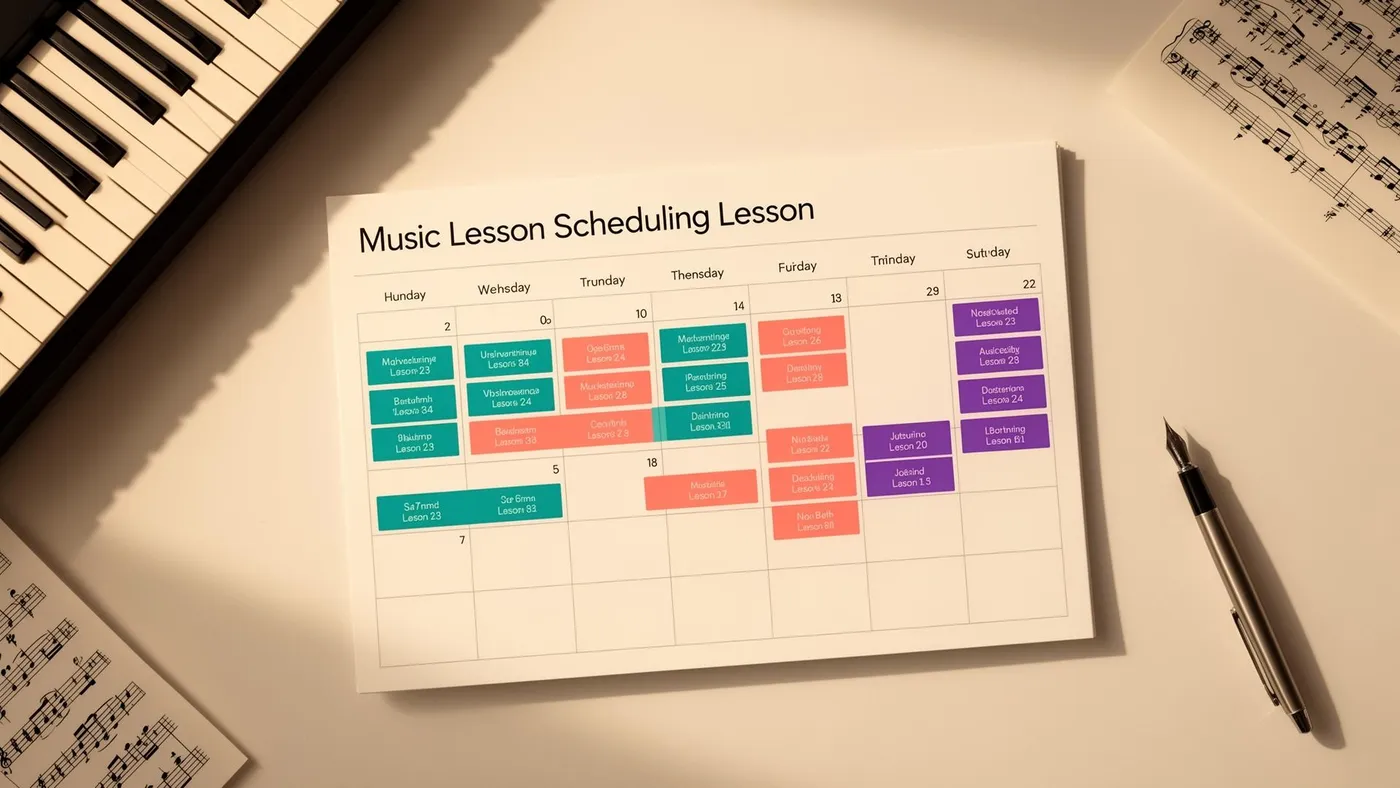
The appeal is obvious. Instead of fielding WhatsApp messages, playing phone tag, and manually confirming every lesson time, you open your calendar and let parents pick their own slot. They get instant confirmation. You save hours of back-and-forth. Everyone's happy.
At least, that's the theory.
In practice, parent self-booking works brilliantly in some contexts and terribly in others. Whether it's right for your music school depends on your teaching model, your timetable structure, and how much control you're willing to hand over.
Where self-booking works well
Trial lessons and initial consultations
Self-booking is ideal for the first point of contact. A parent visits your website, sees available trial lesson slots, picks one, and books it — all without you lifting a finger. This removes friction from the enquiry process (no waiting for a reply, no scheduling negotiation) and dramatically improves your enquiry-to-enrolment conversion rate.
The key is to offer a curated set of trial slots rather than your entire calendar. Block out 3–4 trial-specific slots per week and let parents choose from those. This keeps your core timetable protected while making it easy for new families to get started.
Make-up lesson rescheduling
When a student cancels with adequate notice and earns a make-up lesson, self-booking lets the parent choose from available make-up slots without admin intervention. This is faster for the family, eliminates the email chain ("Can you do Thursday?" "No, what about Friday?" "That one's gone, how about..."), and reduces your workload.
For this to work, the make-up slots need to be clearly defined and limited. Don't open your entire timetable — offer specific make-up windows (Saturday mornings, a Wednesday evening block) so that make-up booking doesn't fragment your regular schedule.
Adult learners with flexible schedules
Adult students who pay per lesson or on a package basis often prefer flexi-booking. Their schedules change week to week, and a fixed weekly slot doesn't suit their lives. Letting them self-book from available slots gives them the flexibility they value while filling gaps in your timetable that would otherwise sit empty.
One-off workshops and events
Taster sessions, holiday workshops, masterclasses and open days are perfect for self-booking. There's a defined date, limited capacity, and a clear "book now" action. An online booking page with instant confirmation is the standard approach.
Where self-booking causes problems
Core weekly lessons for children
The vast majority of UK children's music schools run on fixed weekly schedules. The student has the same slot every week, all term. Self-booking doesn't fit this model — you don't want parents browsing your calendar each week and picking a different time. It creates timetable chaos, makes teacher scheduling impossible, and undermines the consistency that children need.
For fixed weekly lessons, the scheduling should be admin-controlled. You (or your system) assign the slot at enrolment, and it recurs automatically until the student changes or leaves. The parent's role is to see the schedule and request changes — not to book week by week.
Schools with complex room and teacher constraints
If your scheduling depends on specific teacher-student pairings, instrument-specific rooms, or multi-location coordination, open self-booking can create conflicts that a parent can't see. A parent might book a slot that's technically free in the calendar but requires a room that's already allocated to another instrument, or a teacher who doesn't cover that student's level.
Self-booking systems that don't account for these constraints lead to bookings that look valid but aren't — creating more admin to unpick than the self-booking saved.
When you need to control the flow
Some schools deliberately manage scheduling centrally because they want to optimise teacher utilisation, fill less popular time slots, and ensure an even distribution of students across the week. Open self-booking tends to concentrate demand on the most popular slots (Tuesday and Wednesday at 4pm) while leaving less convenient times empty. Central scheduling lets you steer families toward times that work for the whole school, not just for them.
The hybrid approach: best of both worlds
The smartest music schools don't choose between full self-booking and fully centralised scheduling. They use a hybrid:
Core lessons are admin-controlled. Fixed weekly slots assigned at enrolment, recurring all term, managed through your scheduling system. Parents see their schedule via the parent portal but don't book or change it themselves.
Trial lessons are self-bookable. A booking widget on your website lets prospective families choose from designated trial slots. Instant confirmation, no admin required.
Make-up lessons are self-bookable from a defined pool. When a student earns a make-up credit, the parent can choose from available make-up windows through the portal. First come, first served.
Workshops and events are self-bookable. One-off sessions with open enrolment use a booking page with capacity limits and online payment.
This approach gives parents the convenience and speed of self-booking where it adds value, while keeping the structural integrity of your core timetable under your control. It eliminates the admin burden of trial and make-up scheduling without creating the chaos of open calendar access.
What to look for in a booking system
If you're implementing any form of self-booking, the system needs:
Constraint awareness. The system should know which teachers teach which instruments, which rooms are available, and what conflicts exist. A parent shouldn't be able to book a slot that doesn't actually work.
Capacity limits. For group sessions and events, the system must enforce maximum participant counts and close bookings when full.
Instant confirmation. The parent should receive immediate confirmation of their booking — by email and in their portal. If they have to wait for manual approval, you haven't really implemented self-booking.
Calendar integration. The booking should automatically appear in your master timetable, the teacher's schedule, and the room allocation. No manual data entry.
Payment collection. For trial lessons and events with a fee, the booking process should include online payment via Stripe so that booking and payment happen in one step.
LessonLoop's parent portal supports this hybrid approach — families view their fixed schedule, receive make-up slot notifications, and can book from available options, all within a single system that stays in sync with your master timetable. If you're comparing platforms, see how LessonLoop stacks up as a Fons alternative.
Frequently Asked Questions
Will parents book all the best time slots and leave gaps?
Yes, if you let them. Uncontrolled self-booking concentrates demand on the most popular times (typically 3:30–5pm on Tuesday–Thursday). This is why self-booking works best for trial lessons, make-ups and events — not for core lesson allocation. For your regular timetable, admin-controlled scheduling lets you distribute students across the week and steer families toward less popular but perfectly viable slots.
How do I handle cancellations in a self-booking system?
Define a cancellation window in your system settings (e.g., cancellations must be made 24+ hours in advance). Within that window, the parent can cancel via the portal and the slot reopens for other bookings. Outside that window, the lesson is charged in full per your cancellation policy. Automated enforcement removes the awkwardness of manual policing.
Is self-booking safe for children's lessons?
Self-booking for trial lessons and events typically involves the parent providing contact details and making a payment — standard safeguarding-compatible processes. The child doesn't interact with the booking system. For ongoing lessons, the parent portal requires a secure login and only shows that family's information. Always ensure your system is GDPR-compliant and handles children's data appropriately.
Part of our guide to music lesson scheduling series. Related: Cancellation Policies · Avoid Double-Booking
Tags