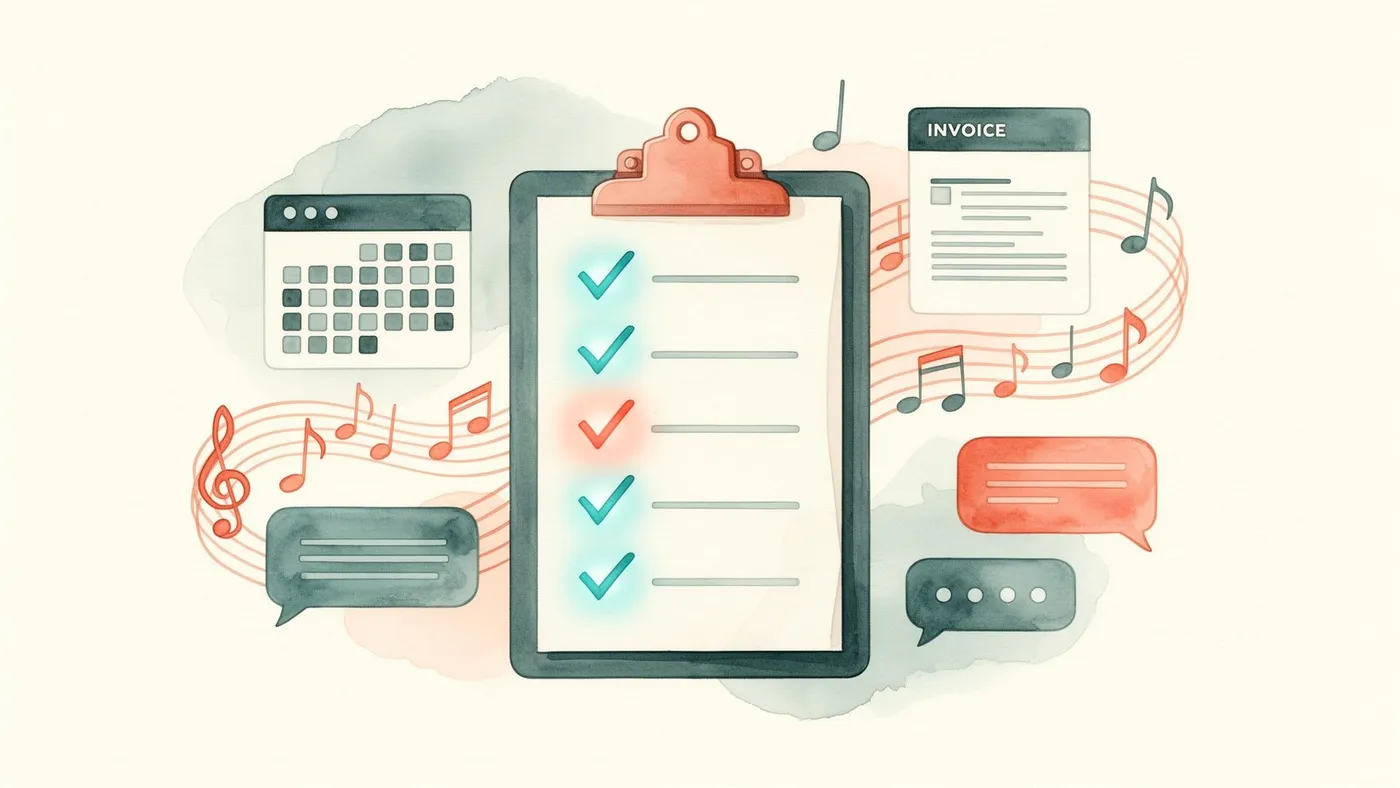
You teach 15–30 students. You do your own scheduling, your own invoicing, your own parent communication, and your own everything else. You don't have an admin team. You don't have a co-owner. It's just you, your instrument, and a growing sense that the admin is eating the teaching.
The temptation is to use the simplest, cheapest tools available — a Google Calendar, a spreadsheet for billing, WhatsApp for parents. And honestly, for your first 10 students, that works. But somewhere between 15 and 30 students, the system starts to break. Not dramatically — insidiously. A missed invoice here. A double-booking there. A parent message you forgot to reply to. The admin overhead creeps upward until you're spending your Sunday evenings on spreadsheets instead of preparing for the teaching week.
The right software for a solo teacher isn't the most powerful platform on the market. It's the one that's simple enough to learn in an afternoon, fast enough to use between lessons, and capable enough that you don't need to supplement it with a constellation of other tools.
What a solo teacher actually needs
Strip away the features designed for multi-teacher academies, and the essential toolkit for a solo teacher is surprisingly focused:
A calendar that prevents conflicts and sends reminders. You need to see your week at a glance, know that no two students are booked at the same time, and send automatic reminders to parents before each lesson. You don't need multi-location room management or teacher availability matrices — that's for schools with multiple teachers.
Termly invoicing that takes minutes, not hours. If you're teaching in the UK, you're billing termly. You need to generate an invoice for each student based on the number of lessons in the term, send it with a payment link, and get reminded when it's overdue. You don't need batch processing for 200 students or complex credit management — but you do need the basics to be fast and reliable.
A parent portal or communication channel. Even at 20 students, "what time is the lesson?" messages accumulate. A portal where parents can see the schedule, read lesson notes and check their invoice balance eliminates the majority. At minimum, you need a single channel for parent communication that isn't your personal WhatsApp.
Student records. Each student's contact details, instrument, current grade level, lesson day/time, and a history of lesson notes. Not a CRM — a notebook that's searchable and backed up.
The options for solo teachers
LessonLoop (Solo plan)
LessonLoop's entry-level plan is designed specifically for solo teachers. It includes the full scheduling engine (conflict prevention, term-based recurring lessons, automated reminders), termly billing with Stripe payments, a parent portal (schedule, notes, invoices, practice tracking), and student profiles with ABRSM/Trinity grade tracking.
The advantage over simpler tools is that it's the same platform you'd use at 100 students. Nothing changes as you grow — you just add more students and (eventually) more teachers. No migration, no data loss, no retraining.
It's also built for the UK from the start — GBP, termly billing, UK term dates, British English. If you're a UK teacher, this is the path of least resistance.
Best for: UK solo teachers who want a single, purpose-built platform and expect to grow.
See LessonLoop for solo teachers.
Fons
Fons is a lightweight booking and payment platform designed for individual service providers — not music-specific, but widely used by private music teachers. It handles appointment scheduling, payment collection, and basic client management.
The interface is clean and simple. Scheduling is appointment-based (each lesson is an individual booking), payments can be collected per lesson or in bundles, and there's basic calendar management.
The limitation is depth. No termly billing — you're either charging per lesson (which UK parents don't expect for regular weekly lessons) or manually creating invoices. No parent portal — parents don't have a login to check schedules or notes. No lesson notes, no practice tracking, no ABRSM/Trinity grade tracking. No term-based scheduling — the calendar doesn't understand "skip half-term."
Best for: Solo teachers just starting out who need very simple booking and payments and haven't yet committed to termly billing.
See LessonLoop vs Fons.
The Google Workspace approach
Google Calendar for scheduling, Google Sheets for student data, Stripe payment links for invoicing, WhatsApp for communication. Cost: free (or near-free).
This "stack" works for 10–15 students. Beyond that, the coordination burden becomes the admin itself. Every change requires updating multiple tools. Nothing is connected — an invoice in Stripe doesn't link to a lesson in Calendar doesn't link to a note in Sheets. The parent has no single place to find their information. And you're the integration layer, manually keeping everything in sync.
The real cost of spreadsheets isn't the software — it's the hours you spend operating the system instead of teaching or growing.
Best for: Teachers with fewer than 10 students who are comfortable with the manual overhead and aren't yet ready to invest in software.
My Music Staff / Teachworks
Both platforms serve solo teachers, though they're designed primarily for multi-teacher schools. For a UK solo teacher, the main drawback is the US-centric design — monthly billing assumptions, USD pricing, American date formats, no UK term structure.
They're functional but require workarounds for UK-specific patterns. If you've already invested time learning one of these platforms, it may not be worth switching. If you're choosing fresh, a UK-built platform eliminates the friction.
The growth question
Here's the consideration that many solo teachers overlook: you might not stay solo.
If you're building a teaching practice that could grow into a small school — adding a second teacher, moving to a dedicated venue, taking on 50+ students — the platform you choose now determines how painful (or painless) that transition is.
Starting with a platform that's designed for schools from the beginning means your student data, lesson history, billing records and parent relationships all carry forward seamlessly. Starting with a solo-only tool (like Fons) and then switching to a full platform at 40 students means exporting, migrating, retraining parents, and a transition period that nobody enjoys.
If there's any chance you'll grow beyond 30 students, invest in the right platform from the start. The cost difference is marginal. The transition cost you avoid is significant.
For the full journey from solo teacher to school owner, see our guide to starting a music school in the UK.
Frequently Asked Questions
Can I use free software to start with?
Free tools (Google Calendar, spreadsheets, free Fons tier) work for your first 10–15 students. The risk is that "good enough for now" becomes entrenched, and by the time you need to switch (usually around 25–30 students), you have months of data scattered across multiple tools. If you can afford £15–25/month — which most solo teachers can once they have 5+ regular students — starting with proper software from the beginning is the more efficient path.
Do I need a parent portal if I only have 15 students?
You don't strictly need one, but even at 15 students, a portal saves time and creates a professional impression. Parents who can check the schedule, read lesson notes and see their invoice balance without messaging you are parents who think your operation is polished and organised. That impression drives referrals — "oh, their school is really well run" is the sentence that brings you your next 15 students.
Should I charge per lesson or termly as a solo teacher?
Termly. It's the UK standard, it provides cash flow predictability, it improves retention (parents commit for a term rather than lesson by lesson), and it's what parents expect from a professional music teacher.
Part of our guide to music school software series. Related: Starting a Music School · LessonLoop for Solo Teachers
Tags