There's a particular kind of dread that music school owners know well. It's the Sunday evening before a new term starts, sitting at the kitchen table with a spreadsheet open, manually creating invoices for every student. Copying names, calculating termly fees, adjusting for sibling discounts, adding pro-rata amounts for new starters, formatting each invoice, and sending them one by one.
For a school of 50 students, this process takes 2–4 hours. For 100 students, it's an entire evening. And that's just the generation — it doesn't include the subsequent week of checking who's paid, who hasn't, sending reminders, and reconciling everything against your bank statement.
It doesn't have to be this way.
What "automated invoicing" actually means
Invoice automation isn't a single feature — it's a chain of connected processes that replace manual work at every stage:
Batch invoice generation. Instead of creating invoices individually, you generate all invoices for the term in a single action. The system pulls each student's lesson schedule, applies their rate, calculates the term total, applies any discounts or credits, and produces a correctly formatted invoice. For every student. In seconds.
Automatic delivery. Once generated, invoices are sent to each family via email and made available in their parent portal. No manual sending, no copying email addresses, no attachments to create.
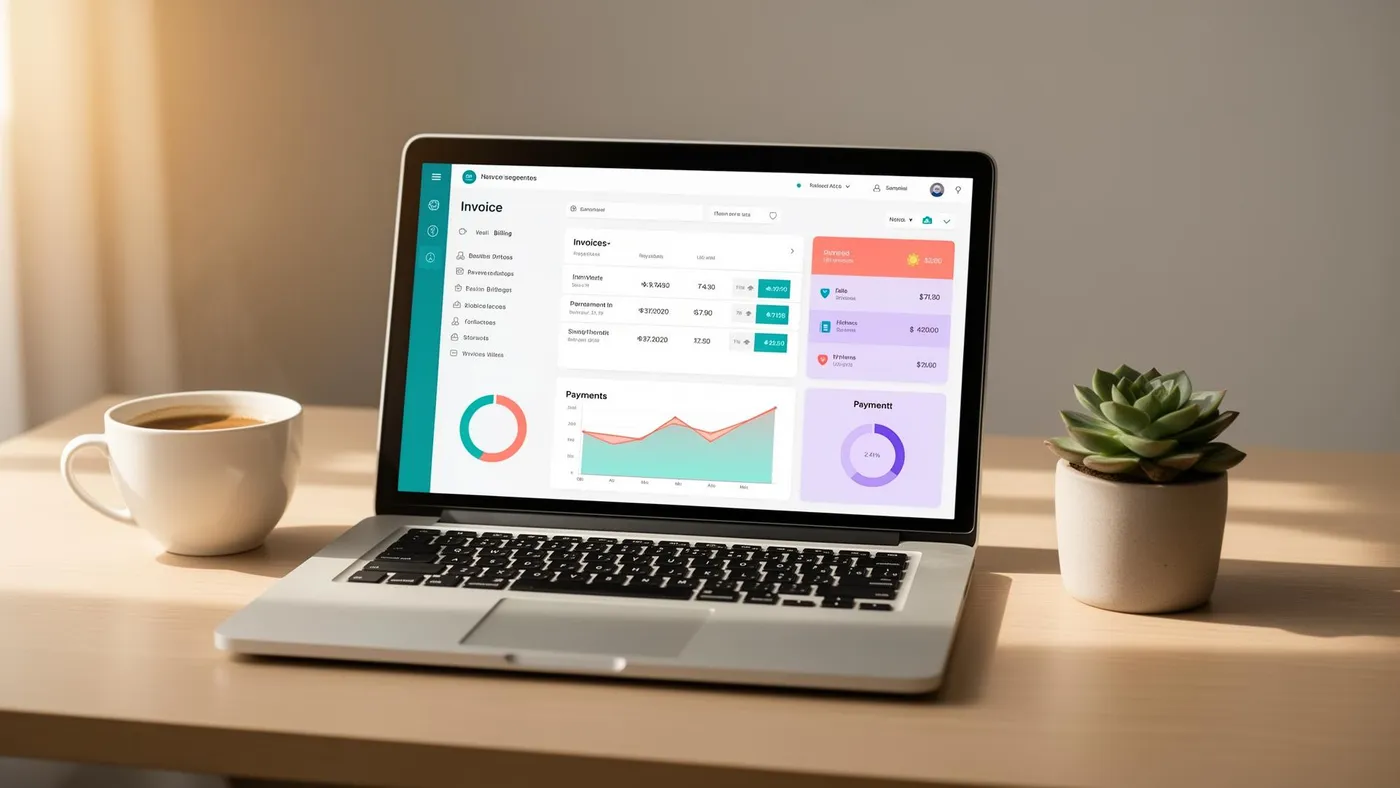
Online payment links. Each invoice includes a direct "Pay now" link that takes the parent to a secure payment page powered by Stripe. The parent pays with their card, the payment is recorded against the invoice instantly, and the invoice status updates to "paid" without you doing anything.
Payment reminders on a schedule. Before the due date, on the due date, and at intervals after — automated reminder emails go out to any family with an unpaid invoice. The content, timing and tone of these reminders are configured once and then run on autopilot.
Automatic reconciliation. When a payment arrives (whether via Stripe, bank transfer matching, or manual entry), the system matches it to the correct invoice and updates the balance. Your outstanding invoice list is always current.
Credit and adjustment handling. Make-up credits from the previous term, sibling discounts, and pro-rata adjustments are all applied during invoice generation. No separate calculations, no sticky notes to remember.
The step-by-step process
Here's what automated invoicing looks like in practice with a tool like LessonLoop:
Step 1: Verify your student data
Before generating invoices, confirm that your student records are current. New enrolments are in the system, departures are marked, lesson schedules are correct, and rate cards are up to date. This is a 10–15 minute check, and it's the only manual step.
Step 2: Run a termly billing batch
Select the term, review the invoice preview (the system shows you every invoice it's about to create, with totals), and confirm. Every invoice is generated in one action. Depending on school size, this takes between 5 seconds and a minute.
Step 3: Review and adjust
Scan the batch for any outliers: a new student with an unusually high or low total (possible rate error), a returning student with a large credit (verify the credit is correct), or a family that should be on a payment plan rather than a single invoice. Make any adjustments.
Step 4: Send
One click sends all invoices to all families simultaneously. Each family receives their own invoice by email, with a "Pay online" button, a breakdown of charges, and the due date. The invoice also appears in their parent portal.
Step 5: Let the system chase
From this point, the automation runs independently. Reminders go out on schedule. Payments come in and are reconciled. You review the outstanding list periodically, and personally contact only the families who've slipped past the automated reminders (typically fewer than 5% if your system is well-configured).
What this replaces
The contrast between manual and automated invoicing is stark:
Manual process for 60 students: 3–4 hours to create invoices, 30 minutes to send them, 1–2 hours per week for 3–4 weeks chasing payments and reconciling. Total: 8–12 hours per billing cycle, three times per year. That's 24–36 hours per year on invoicing alone.
Automated process for 60 students: 15 minutes to verify data and review the batch, 2 minutes to send, 15 minutes per week monitoring the dashboard. Total: 2–3 hours per billing cycle. Annual savings: 20+ hours.
And the automated process is more accurate. No mistyped amounts, no forgotten discounts, no invoices that were created but never sent. The system doesn't get tired, doesn't make arithmetic errors, and doesn't forget to include the new student who started two weeks ago.
For a full exploration of the hidden costs of manual processes, see our piece on the real cost of running a music school on spreadsheets.
Common objections (and why they're wrong)
"I only have 20 students — it's not worth automating." It's worth it from student one. The time investment to set up automated billing is less than one manual billing cycle. And you're building the habit and the system that scales with you. The school that automates at 20 students never has a billing crisis at 80.
"My parents prefer bank transfer." Offer both. Automated invoicing works regardless of payment method — the invoice still generates automatically, the reminders still send, and you can manually record bank transfer payments when they arrive. But also offer online card payment via Stripe, and you'll find that most parents prefer the convenience of clicking "Pay now" from their phone.
"I like the personal touch of sending invoices myself." The invoice itself can still feel personal — include your school logo, a friendly message at the top ("Looking forward to another great term of music!"), and accurate details about each child's lessons. Automation doesn't remove the personal touch; it removes the manual labour. Parents care about accuracy and convenience, not whether you personally typed their name into a template.
"What if the system makes a mistake?" Automated invoicing only generates what you've configured — rates, schedules, discounts. If the underlying data is correct, the invoices are correct. The review step before sending catches any anomalies. Compared to manual invoicing, where arithmetic errors, forgotten discounts and missed students are common, automated billing is dramatically more reliable.
Choosing the right tool
If you're ready to automate, look for a billing system that offers:
- Termly batch generation — not just individual invoice creation
- Integrated online payments — Stripe (or equivalent) with automatic reconciliation
- Automated reminder sequences — configurable timing and messaging
- Credit and discount management — carry-forward credits, sibling discounts, pro-rata
- Parent portal integration — invoices visible to families alongside their schedule and lesson notes
- Reporting — outstanding invoices at a glance, revenue by term, payment status by family
LessonLoop's billing system covers all of these. For a comparison of how different platforms handle billing, see our LessonLoop vs My Music Staff comparison.
Frequently Asked Questions
Can I automate invoicing if some families pay by bank transfer?
Yes. Automated invoicing covers generation, delivery and reminders regardless of payment method. For bank transfer payments, you'll manually record the payment when it arrives in your account (or use bank feed reconciliation if available). The automation still saves you the generation and chasing time — you're just handling the last-mile reconciliation for those families.
How do I handle mid-term adjustments to automated invoices?
Most billing systems let you create a supplementary invoice or credit note mid-term. If a student adds a second instrument in week 4, generate a pro-rata invoice for the remaining weeks. If a student leaves mid-term with credit due, issue a credit note. The key is that these adjustments are tracked in the system rather than handled informally.
What's the best time to send automated invoices?
Send invoices 2–3 weeks before the start of term. This gives parents enough time to pay before the first lesson but keeps the term close enough that they don't forget about it. Avoid sending invoices during school holidays when parents are less likely to check email. Tuesday or Wednesday mornings tend to get the best open and response rates.
Tags